

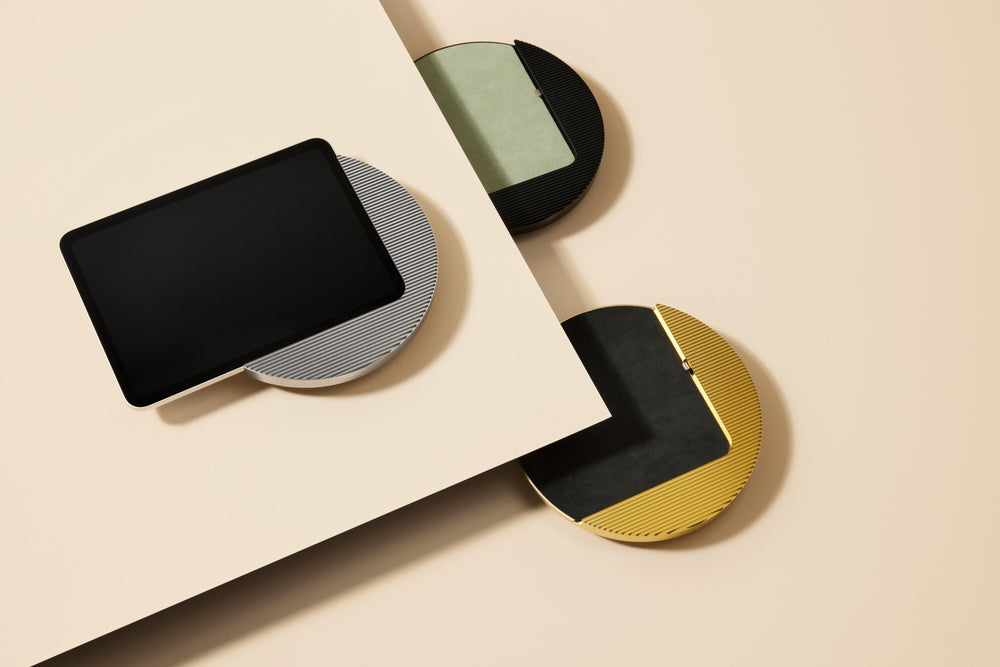


Explore Displine’s meeting room display mounts
Every modern office faces the same challenge. Conference rooms that appear available but are already booked, meetings that start late because no one can find a free space, and employees walking from door to door checking whether a room is actually occupied. A dedicated meeting room booking display screen solves all of this by placing real time availability information exactly where people need it, right next to the door. The difference between a reliable long term solution and a temporary workaround comes down to one thing, the hardware you choose to mount it.
How a Conference Room Schedule Display Works
A conference room schedule display is a compact display device mounted on the wall directly outside a meeting room that shows the current booking status, upcoming reservations, and key room details at a glance. While some vendors offer dedicated display panels, a tablet based approach delivers particularly flexible integration: the device connects to your existing calendar system, whether that is Microsoft 365, Google Workspace, or dedicated room booking platforms like Robin, Joan, AskCody, Locaboo, or Arboo, and pulls scheduling data in real time without any manual input from your team.
When a room is free, the display shows a green status indicator. When it is occupied, it turns red. Team members can walk up to the screen and book the room on the spot, extend a running meeting if they need more time, or release a room early so that others can use it. This kind of instant, visual feedback eliminates the most common frustrations in any office, double bookings, ghost meetings where rooms appear taken but nobody shows up, and the constant back and forth over email or chat trying to find an available space. A well placed conference room scheduling display turns chaotic room management into something transparent and effortless.
The Advantages of a Tablet Based Conference Room Display
A tablet based conference room booking display offers a flexible, future proof foundation for modern offices. It combines the familiarity of off the shelf hardware with the durability of professional wall mounts, delivering several key advantages for everyday use:
- Software agnostic: you can run any room booking application you prefer, from Joan and AskCody to Robin or native Microsoft Teams Rooms, and switch platforms at any time without replacing hardware.
- Cost effective scaling: adding a new room simply means adding another tablet rather than purchasing specialized proprietary hardware.
- Always up to date: tablets receive regular operating system and app updates, which means your meeting room display tablet stays current with new features and security patches without any additional investment.
- Zero learning curve: every employee already knows how to use a touchscreen, so there is virtually no onboarding required when you deploy a conference room booking tablet across your office.
The critical factor that separates a professional installation from a makeshift setup is how the tablet is mounted. A tablet held in place with a consumer grade stand or a simple adhesive bracket looks unprofessional, creates a security risk, and will eventually fail in a high traffic corridor. A permanent, flush mounted installation transforms a standard iPad or Samsung Galaxy Tab into what looks and feels like a purpose built conference room scheduling display, fully integrated into the architecture of your office.
The Hardware That Makes It Work
This is where architectural mounting solutions matter, and where the right choice pays off for years. A professional meeting room booking display screen installation has four essential requirements that off the shelf consumer grade tablet mounts simply cannot meet.
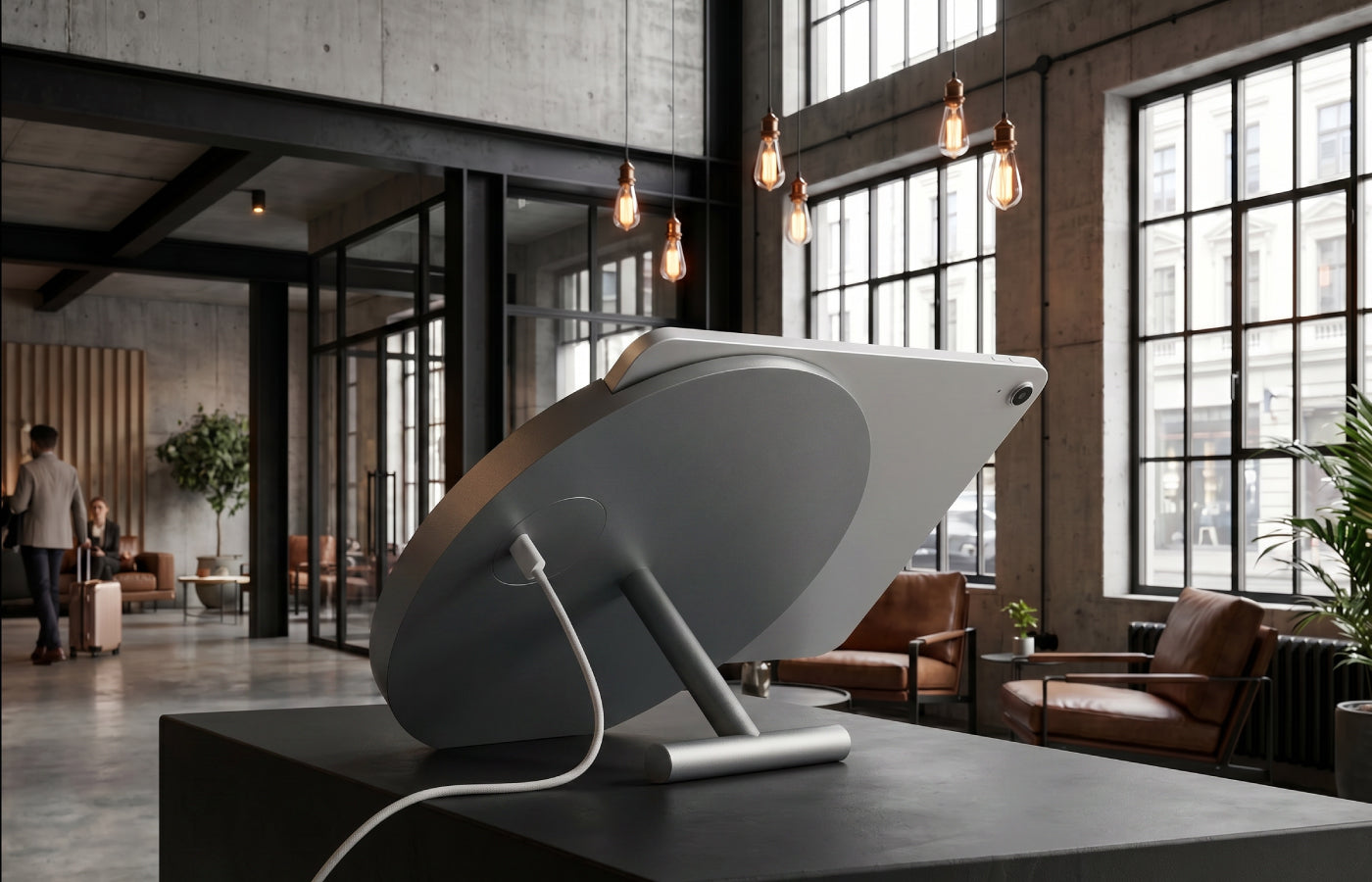
The first is permanent power supply. A meeting room availability display needs to run around the clock, seven days a week, without anyone worrying about battery levels or charging cables. Displine’s tablet wall mounts with integrated power solve this by delivering continuous USB or PoE charging through a connection that is completely hidden behind the wall, with no visible cables running along the surface. This means your meeting room schedule display is always on and always ready, exactly as you would expect from built in office infrastructure.
The second requirement is theft protection. Any screen mounted in a public corridor or shared floor needs to be secure. Displine’s Dame Wall 2.0 and Companion Wall 2.0 series are built with integrated locking mechanisms that make it impossible to remove the tablet without professional tools. This is especially important in offices with visitor traffic, co working environments, or any building where screens are accessible outside of business hours.
Third is design. A meeting room schedule display should blend seamlessly into your office architecture rather than sitting on top of it like an afterthought. Displine’s precision milled aluminum frames maintain just 4 mm of clearance from the wall, creating a clean, built in aesthetic that complements premium office interiors rather than disrupting them. The result looks intentional and permanent, which reinforces the professional image of your workspace.
Finally, device flexibility matters. Whether your IT team prefers iPad wall mounts or Samsung Galaxy Tab wall mounts , Displine offers model specific enclosures for over 40 different tablet models. You can check the full list on the compatible devices, page to confirm that your preferred tablet is supported before making any decisions.

Scalable Across Your Entire Office
A single conference room booking tablet outside one meeting room is useful, but deploying a network of displays across your entire office is what truly transforms the way your team works. When every meeting room, huddle space, and phone booth has its own display, employees stop wasting time searching for available rooms and start trusting the system at a glance.
You can pair room level displays with a centralized dashboard in the lobby or reception area for a complete Smart Office Setup that gives visitors and staff an immediate overview of availability across the building. The same Displine wall mounts also support digital door signagefor wayfinding, visitor management screens, and any other use case where a permanently mounted tablet adds value. Displine’s commercial tablet mounts are specifically designed for this kind of enterprise scale rollout, where every screen across every floor needs to look identical, stay powered continuously, and remain physically secure without exception.
Integration With Microsoft 365 and Google Workspace
Most meeting room booking display screen setups integrate directly with the calendar tools your team already relies on every day. If your company uses Microsoft 365 or Exchange, room mailboxes synchronize automatically so that any booking made in Outlook appears on the display within seconds. Google Workspace works the same way, with Google Calendar resource rooms updating in real time so the display always reflects the latest schedule.
For organizations that need more advanced functionality, third party platforms like Joan, Envoy, and AskCody layer additional features on top, including visitor check in workflows, room usage analytics, and QR code booking that lets employees reserve a space from their phone. In every case, the tablet runs the software while Displine provides the professional tablet mounting solutionthat turns a consumer device into a permanent, reliable piece of office equipment.
Getting Started
An ipad conference room display, or any tablet based meeting room display, is only as good as the hardware foundation it sits on. The software side is straightforward because the major booking platforms are mature and well supported. The variable that determines whether your installation looks professional and lasts for years is the mounting system you choose.
Start with a solution that delivers integrated power, physical security, and architectural design quality so your meeting room availability display works reliably from day one without ongoing maintenance or compromise.
Explore Displine’s meeting room display mounts
For project specific advice on conference room display installations, contact our team or explore our use cases for inspiration.


Leave a comment
This site is protected by hCaptcha and the hCaptcha Privacy Policy and Terms of Service apply.