



Samsung Galaxy Tabs are widespread in business for good reason. Android can be adapted deeply to your own applications, smart home and building control among them. Samsung Knox manages and secures entire device fleets centrally. The rugged Galaxy Tab Active line survives conditions that stop ordinary tablets. And the hardware usually costs less to buy than a comparable iPad. That combination is why Galaxy Tabs now run reception desks, meeting rooms, checkouts, machines and whole buildings. For a tablet to do that job reliably, it needs a permanent place. A well chosen Samsung tablet wall mount turns the Galaxy Tab into a lasting part of your rooms: tidy, secure and presentable. That is exactly what Displine develops and produces its wall mounts for, designed in Germany and produced in Poland.
In professional use, a wall mount has to deliver three things above all. It has to keep the Galaxy Tab permanently ready to use, protect it against unauthorised access, and fit into the design of the room rather than disrupt it. This guide shows you how to mount a Samsung Galaxy Tab properly in a business setting, which requirements apply in which location, which Displine wall mount takes which Galaxy Tab model, and how a wall mount fits into a device fleet managed with Samsung Knox.
Why mount a Samsung Galaxy Tab on the wall at all?
The Samsung Galaxy Tab has long since arrived in everyday business. Whether in manufacturing, field service, on site or in retail: the Samsung Galaxy Tab controls machines and plant, captures orders, shrugs off dust and moisture as a Galaxy Tab Active, serves as a control panel for building automation, and takes on the role of a self-service terminal or point of sale. In all of these scenarios the tablet works continuously, often for many hours a day, frequently in publicly accessible places. A fixed wall installation is not a convenience accessory here. It is the basis for reliable operation.
A well considered Samsung tablet mount solves several problems at once. It gives the Galaxy Tab a defined place that every employee and every visitor finds immediately. It holds the tablet at an ergonomic height, so it can be operated without stooping or stretching. And it creates order, because cables and power supplies no longer lie around in view. Anyone running tablets professionally knows the related question of power supply: we cover how to keep a Galaxy Tab permanently powered in detail in our article on running tablets on permanent power.
There is also the impression it makes. A Galaxy Tab sitting firm and still on the wall signals care and quality to visitors, guests and business partners. Clean installation is therefore a question of function and of effect at the same time.

Samsung Galaxy Tab in the most important business environments
Requirements for the wall mount differ by area of use. The following environments cover the most common B2B scenarios for the Galaxy Tab, from the factory to the front desk.
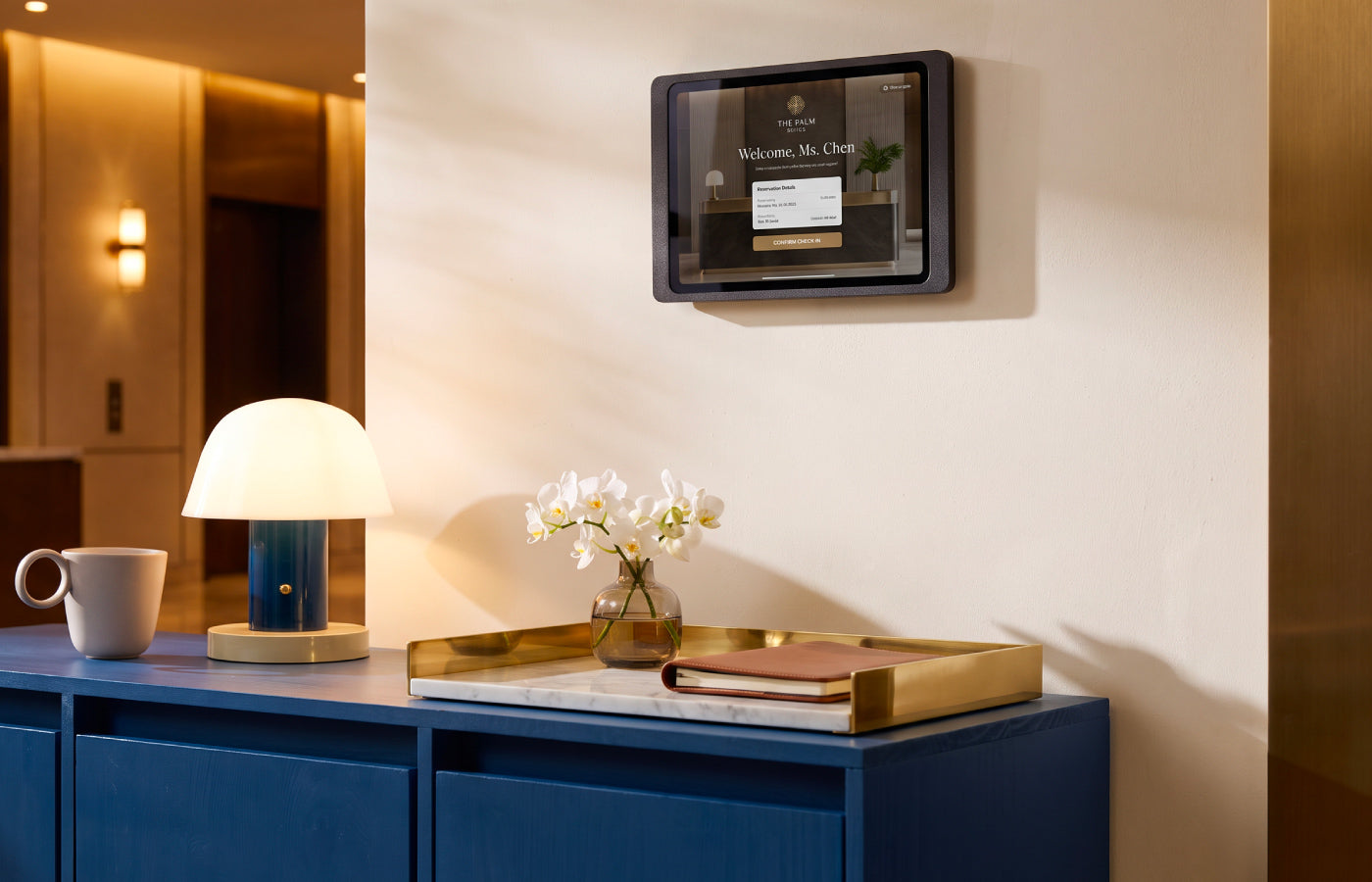
Reception, office and hotel. At reception, the Samsung Galaxy Tab often takes over digital sign-in or visitor check-in. A well kept appearance counts here, because the tablet is the first digital point of contact for every guest.
Meeting and conference room. In the meeting room, the Galaxy Tab handles room booking or the media technology. The tablet should sit immediately beside the door or at the conference table and respond at any time. Permanent power is mandatory, so the display is never dead in the middle of a session. You can read how tablets shape the modern workplace on our page about tablet wall mounts for the office.
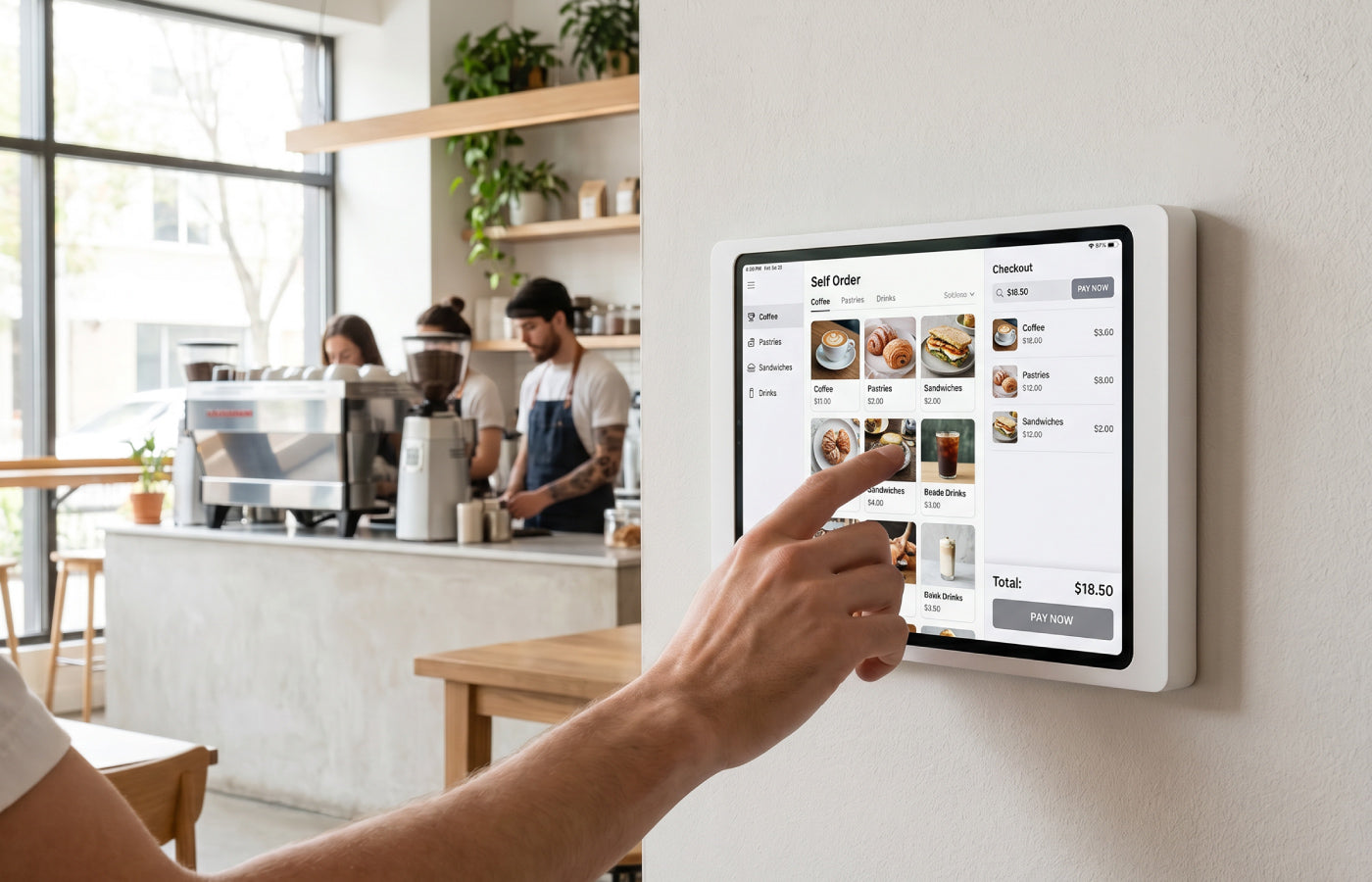
Retail and point of sale. In retail, the Galaxy Tab works as a product adviser, a self-service checkout or a digital catalogue. Anti-theft protection matters particularly here, because the tablet is freely accessible and often unattended. If you are using the Galaxy Tab as a point of sale system, you will find further guidance in our article on the anti-theft wall mount for an iPad POS system, whose principles transfer directly to the Samsung Galaxy Tab at the checkout.
Healthcare. In surgeries and clinics, the Samsung Galaxy Tab handles patient check-in, waiting room information or documentation. The wall mount has to be easy to clean and has to hold the tablet still and securely. A powder-coated surface is an advantage here.
Industry, field service and demanding conditions. This is where Samsung plays its greatest strength. With the rugged Galaxy Tab Active 5 Pro, tablets keep working where consumer devices give up: in manufacturing, logistics, the workshop and on site, under dust, moisture and the occasional drop. We devote a separate section to this model further down, with recommendations for mounting it.
Building automation and smart building. As a permanently installed control panel, the Galaxy Tab controls lighting, shading, heating and climate. The Galaxy Tab S10 FE is popular here in particular, because it combines a large, bright display with long software support. Mounted firmly on the wall, the tablet becomes the calm control centre of a room or an entire building.
What actually matters in a Samsung tablet wall mount
Before you choose a wall mount, it is worth a clear look at the properties that make the difference in professional use. The following overview helps you match function to requirement.
Model compatibility. A wall mount is always designed for particular Galaxy Tab models and screen sizes. Check which Galaxy Tab you operate before you buy, for example the Tab A11, the Tab A9 or the Tab S10 FE.
Charging. In continuous operation the tablet has to be powered permanently. A wall mount with an integrated charging solution keeps the Galaxy Tab reliably ready to use, with no visible cable at all.
Anti-theft protection. In publicly accessible areas the tablet should sit in the wall mount under lock. Our guide to anti-theft solutions for iPad and tablet explains how effective protection is put together.
Removability. If the Galaxy Tab is to be taken along regularly for mobile tasks, a wall mount with simple removal is the better choice than a permanently closed version.
Finish and design. The wall mount sits visibly in your rooms. A clean, durable finish is what makes the Galaxy Tab look refined rather than improvised.
Samsung Knox and the tablet wall mount: two layers of a secure device fleet
Anyone operating Galaxy Tabs in numbers knows Samsung Knox. Knox is Samsung's platform for device management and security at enterprise level. Through Knox, tablets can be configured centrally, put into a kiosk mode, restricted to particular apps and monitored remotely. Knox is therefore the software layer of a managed Galaxy Tab fleet. For the IT department it creates clarity about what a device is allowed to do and which content it displays.
A tablet wall mount from Displine adds an equally well considered physical solution to that software layer. The wall mount governs where the Galaxy Tab sits, how securely it is fixed and how it is charged. At a self-service terminal or a publicly accessible display, the two work together: without a fixed, lockable wall mount, even a cleanly configured Knox environment stays vulnerable.

Which Displine wall mount suits your Galaxy Tab?
The three suitable models are the Companion Wall, the Companion Wall 2.0 and the Companion Wall Home. Here is how to find the right one for your business application.
Companion Wall 2.0: lockable and with charging
The Companion Wall 2.0 is the first choice for reception, retail and every publicly accessible area where security and continuous operation come together. That combination is exactly what makes it so valuable in B2B use. The tablet sits firmly in the wall mount, cannot be removed without effort, and stays permanently charged in combination with a flush-mount power supply. The charging cable disappears completely behind the wall mount.
The Companion Wall 2.0 takes all current Galaxy Tab models, including the rugged Tab Active 5 Pro. The compatibility matrix below shows the exact model assignment. It is available in white and black powder-coated finishes and can be mounted in portrait or landscape orientation.
Companion Wall Home: easy to remove, with integrated charging cable
The Companion Wall Home is the elegant all-rounder among the Companion models. It suits environments in which the Galaxy Tab is taken out and put back regularly, for mobile tasks within the team or for switching between desk and wall. It has no anti-theft protection. The tablet is charged through an integrated charging cable, which allows permanent charging with a flush-mount power supply. It is available in white and black powder-coated finishes.
Companion Wall: the lockable entry solution for older Galaxy Tab models
The Companion Wall is the original lockable wall mount in the range. It has anti-theft protection. For continuous operation you have to supply the Galaxy Tab with power separately, for example through a flush-mount power supply behind the wall mount. It is not designed for current Galaxy Tab generations. That makes it the right choice if older Galaxy Tabs are still in service in your business and a simple, secure installation is enough.
Galaxy Tab compatibility matrix
The following matrix shows at a glance which Companion Wall model takes which Galaxy Tab, and which functions are available.
| Galaxy Tab model | Fits in | Companion Wall 2.0 | Companion Wall Home | Lockable |
|---|---|---|---|---|
| Tab A7 10.4"(2020) | Companion Wall, Companion Wall Home |
no | yes | Companion Wall: yes Companion Wall Home: no |
| Tab A8 10.5" (2022) | Companion Wall, Companion Wall Home |
no | yes | Companion Wall: yes Companion Wall Home: no |
| Tab A9 / A9 Plus (2023) | Companion Wall 2.0, Companion Wall Home |
yes | yes | Companion Wall 2.0 only: yes |
| Tab A11 / A11 Plus (2025) | Companion Wall 2.0, Companion Wall Home |
yes | yes | Companion Wall 2.0 only: yes |
| Tab S9 11" | Companion Wall 2.0, Companion Wall Home |
yes | yes | Companion Wall 2.0 only: yes |
| Tab S10 FE 10.9" | Companion Wall 2.0, Companion Wall Home |
yes | yes | Companion Wall 2.0 only: yes |
| Tab Active 5 Pro | Companion Wall 2.0 | yes | no | Companion Wall 2.0: yes |
In the spotlight: Samsung Galaxy Tab Active 5 Pro
One device deserves separate consideration: the Samsung Galaxy Tab Active 5 Pro. It occupies a special position within the Samsung portfolio. It is rugged and shock-resistant, built for demanding working environments in which a normal consumer tablet quickly reaches its limits. Logistics, workshop, field service, care facilities, food production: wherever tablets have to survive dust, moisture or the occasional drop, the Active 5 Pro is the obvious choice. Precisely because the device is expected to take so much in daily use, it is worth looking at how it gets mounted professionally.
Within our range, the Companion Wall 2.0 is the model designed for it.
You will find a detailed introduction to the device and its scenarios in our article on the Samsung Galaxy Tab Active 5 Pro.
Power solved cleanly: the Galaxy Tab permanently on the mains
A tablet in professional continuous operation must never fail because the battery is empty. The Companion Wall 2.0 and the Companion Wall Home already bring charging with them. So that the Galaxy Tab receives power permanently and no cable stays visible, a flush-mount power supply behind the wall mount is recommended. The 30W flush-mount power supply with USB-C disappears completely into the wall and feeds the tablet discreetly through the hidden charging cable. All that remains visible in the end is the Galaxy Tab and the calm surface of the wall mount.

Frequently asked questions
Which Displine wall mount fits the Samsung Galaxy Tab?
Only the three models of the Companion Wall range are suitable for the Samsung Galaxy Tab: the Companion Wall, the Companion Wall 2.0 and the Companion Wall Home. All other Displine wall mounts are designed exclusively for the Apple iPad. Which of the three Companion models is the right one depends on the Galaxy Tab model and on where it is used.
Which Samsung tablet wall mount has anti-theft protection?
The Companion Wall 2.0 offers anti-theft protection for current Galaxy Tab models. It is the only lockable Displine wall mount that takes current Samsung Galaxy Tab models, which makes it the right choice for reception, retail and publicly accessible areas. The older Companion Wall is lockable as well, but supports only the Galaxy Tab A7 and A8 models.
Is there a Samsung tablet wall mount with charging?
Yes. The Companion Wall 2.0 charges the Galaxy Tab through an included, hidden charging cable, and the Companion Wall Home through an integrated charging cable. Both keep the tablet reliably ready to use in continuous operation. For a power supply concealed entirely in the wall, a flush-mount power supply behind the wall mount is recommended in addition.
Which Samsung Galaxy Tab models are supported?
The Companion Wall 2.0 and the Companion Wall Home support the current models Galaxy Tab A11 8.7" and A11 Plus 11", Galaxy Tab A9 8.7" and A9 Plus 11", as well as the Tab S9 11" and the Tab S10 FE 10.9". The Companion Wall Home additionally takes the older Tab A7 and Tab A8 models. The original Companion Wall is designed exclusively for the Galaxy Tab A7 10.4" and the Tab A8 10.5". The rugged Tab Active 5 Pro fits the Companion Wall 2.0 only.
Does the wall mount fit into a device fleet managed with Samsung Knox?
Yes. Samsung Knox is the software layer for managing and securing your Galaxy Tabs, and the Displine wall mount is the physical layer. Knox controls configuration, kiosk mode and remote access, while the Companion Wall holds the tablet firmly in place, protects it against removal and supplies it with power. Displine does not make software. It makes the wall mount that completes a Knox environment physically.
Can the Galaxy Tab be taken out of the wall mount?
That depends on the model. The Companion Wall Home is designed for easy removal, so the Galaxy Tab can be lifted out in one movement. The Companion Wall 2.0 and the Companion Wall, by contrast, hold the tablet firmly fixed, which makes them particularly suitable for permanently installed displays.

Leave a comment
This site is protected by hCaptcha and the hCaptcha Privacy Policy and Terms of Service apply.